
Generating Privacy-Safe Synthetic Data with NVIDIA NeMo Safe Synthesizer
A step-by-step walkthrough of spinning up a GPU-accelerated synthetic data pipeline from scratch on Windows
Jake Byford
2/20/20265 min read
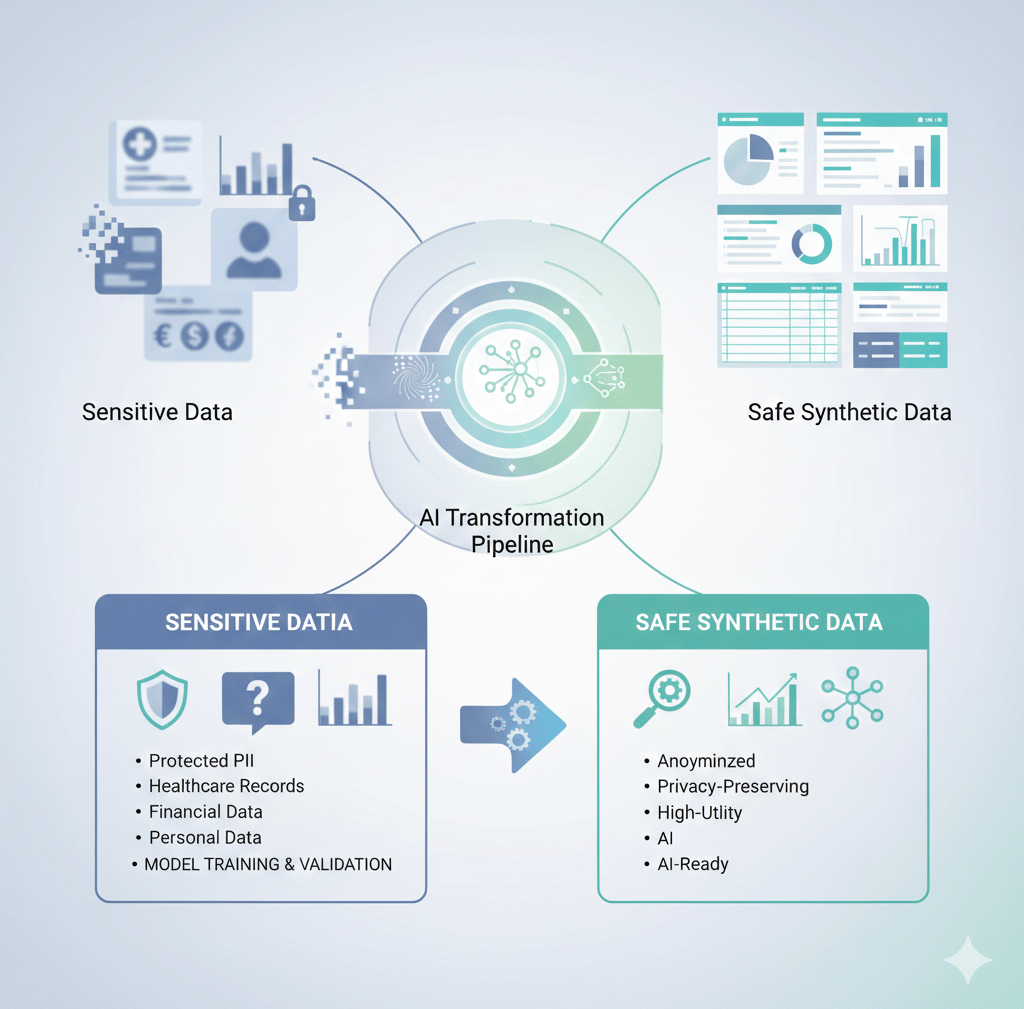
When working with sensitive datasets — think healthcare records, financial data, or anything containing personally identifiable information — the challenge isn't just building good models. It's being able to share, test, and iterate on data without exposing real people's information.
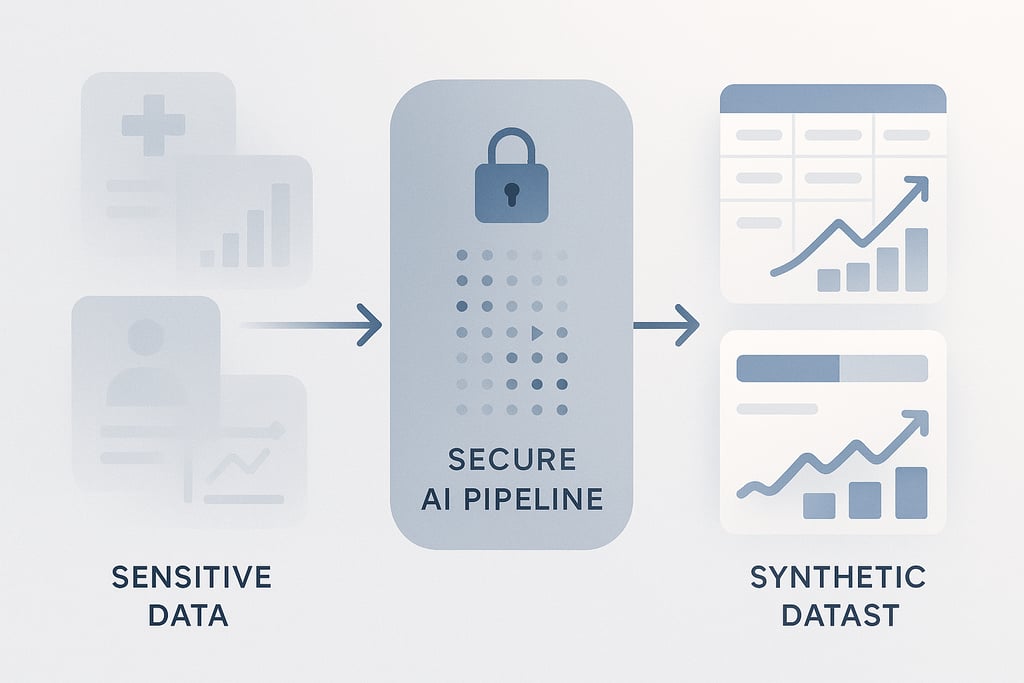
NVIDIA's NeMo Safe Synthesizer solves this by generating synthetic data that preserves the statistical properties of your original dataset while ensuring no real individual's information can be reconstructed from it. Under the hood it works in three phases: first it scans and replaces PII in your raw data, then it fine-tunes a small language model on the cleaned dataset using LoRA, and finally it generates a brand new set of records that look and feel like the original without actually being derived from any real person.
The result is a dataset you can freely share, test models on, or use for compliance demonstrations — without any of the legal or ethical risk that comes with real data.
What Is NeMo Safe Synthesizer?
What You'll Need
Before getting into the setup, here's everything required to run this end to end:
A Windows machine with WSL 2 enabled
Ubuntu installed from the Microsoft Store
An NVIDIA NGC account (free to create at ngc.nvidia.com)
Python 3.x familiarity
On the hardware side, this tutorial uses a 2x NVIDIA H100 PCIe instance (354GB RAM, 60-core AMD EPYC 9554) provisioned through Shadeform via the NVIDIA Brev CLI. The H100s are overkill for TinyLlama but give you room to experiment with larger models down the line.
Phase 1: Windows Environment Setup
The first hurdle on Windows is getting a proper Linux environment. Docker Desktop runs its own stripped-down internal VM (docker-desktop) that looks like a shell but is missing almost every standard tool. You don't want to be in there — you want the actual Ubuntu WSL instance.
Start by verifying WSL 2 is installed and Ubuntu is available:
Both docker-desktop and Ubuntu should appear under Version 2. If Ubuntu isn't listed, grab it from the Microsoft Store. Once confirmed, always launch your work environment with:
One common gotcha on fresh WSL 2 installs is networking — apt-get may fail to reach the internet due to broken DNS resolution. If that happens, fix it manually:
Then restart WSL from PowerShell:
Phase 2: Provisioning a GPU Instance with NVIDIA Brev
Rather than wrestling with cloud provider dashboards, NVIDIA's Brev CLI lets you spin up GPU instances and SSH into them with a single command. Install it inside your Ubuntu WSL session:
After logging in with your NGC account, you can see available instances and connect to them:
That drops you directly into an SSH session on a Shadeform H100x2 instance running Ubuntu 22.04 LTS with GPU Driver 570 pre-installed. No SSH key management, no fumbling with .pem files in the terminal — it just works.
Phase 3: Deploying the NeMo Microservices Stack
NVIDIA provides a Docker Compose quickstart that bundles everything Safe Synthesizer needs into a single stack. Once inside the GPU instance:
This pulls and starts around a dozen containers including the Safe Synthesizer API, NeMo DataStore, entity store, PostgreSQL, MinIO object storage, Envoy gateway, and Fluent Bit for logging. The full stack takes a couple of minutes to initialize, but you can verify everything is healthy with:
And confirm the API is responding:
A JSON response with an empty jobs list means you're ready to go.
Phase 4: Installing the Python SDK
With the services running, install the Python SDK on the GPU instance:
Load the dataset and create a job:
For this tutorial we use the Women's E-Commerce Clothing Reviews dataset from Kaggle — 23,486 records of product reviews including ages, product categories, ratings, and free-text review content. Some reviews contain PII like names, locations, and personal details embedded in the text.
Phase 5: Running Your First Safe Synthesizer Job
The workflow has three main steps — verify the connection, load your data, and submit the job.
Verify the connection:
Note: kagglehub installs more reliably via uv pip than standard pip in this environment
The max_vram_fraction override here is important — without it, a vLLM memory profiling race condition causes the generation phase to fail after training completes. Setting it to 0.6 gives vLLM enough headroom to initialize cleanly.
What Happens Inside the Job
Once submitted, the job runs through three distinct phases:
Phase 1 — PII Replacement (~10 minutes) A Named Entity Recognition model (GLiNER) scans every record in the dataset, identifying sensitive entities like names, addresses, ages, phone numbers, emails, and dozens of other PII types. Each detected entity is replaced with a realistic fake substitute — real names become different real-sounding names, real addresses become different plausible addresses, and so on. This happens across all 22,312 training records in batches of 8.
Phase 2 — Fine-Tuning (~4 minutes) TinyLlama (1.1B parameters) is fine-tuned on the cleaned dataset using LoRA (Low-Rank Adaptation). The model learns the statistical patterns, writing styles, correlations between columns, and the general structure of the data — without memorizing any individual records.
Phase 3 — Generation + Evaluation (~2 minutes) The fine-tuned model generates 1,000 brand new synthetic records. A privacy audit then runs two attacks against the output — a Membership Inference Attack (testing whether you can determine if a specific record was in the training data) and an Attribute Inference Attack (testing whether you can reconstruct sensitive attributes from the synthetic data). Both are used to compute the final privacy scores.
Monitoring the Job
Poll the job status with a simple loop:
Logs are paginated and come back as raw JSON blobs by default. Parsing them makes them much more readable:
Results
After approximately 14 minutes total, the job completed with the following scores:
1,078 valid records were generated out of 1,143 attempted (94.3% validity rate).
Retrieve the results:
Copying Files Back to Windows
Since the files live on the remote GPU instance, copy them to your local machine using SCP with the Brev-managed key:
Open evaluation_report.html in any browser for the full interactive report with charts and detailed breakdowns.
Key Gotchas
A few things that weren't obvious from the documentation and cost time to debug:
Don't use the Docker Desktop shell. The docker-desktop:~# prompt is the internal VM, not Ubuntu. Always use wsl -d Ubuntu from PowerShell.
Set max_vram_fraction: 0.6. Without this, vLLM throws a memory profiling assertion error during the generation phase after training releases GPU memory.
job.job_id vs job.id. The builder's create_job() returns an object with .job_id, but listing jobs via the raw client returns objects with .id. These are different attribute names for the same value.
SafeSynthesizerJobBuilder.from_job_id() doesn't exist. Use client.beta.safe_synthesizer.jobs.retrieve(job_id) to fetch a job by ID.
Logs use page_cursor for pagination, not starting_after or after.
Use uv pip install kagglehub if standard pip fails.
What's Next
The obvious next step is running this on a real proprietary dataset rather than a public Kaggle sample. The pipeline is agnostic to the data — swap out the CSV and it handles the rest. More interesting is the model question: TinyLlama works well for structured tabular data with short text fields, but for richer, longer-form text, a larger model could meaningfully improve the semantic quality of generated text. Whether Safe Synthesizer's LoRA fine-tuning pipeline is compatible with its MXFP4 quantization format and harmony response format is still an open question — but that's the next experiment.
For compliance-sensitive use cases — healthcare, finance, government — this kind of pipeline has real production value. The ability to generate a statistically faithful, privacy-audited synthetic dataset in under 15 minutes, with quantified privacy scores, is a meaningful capability.